Capture
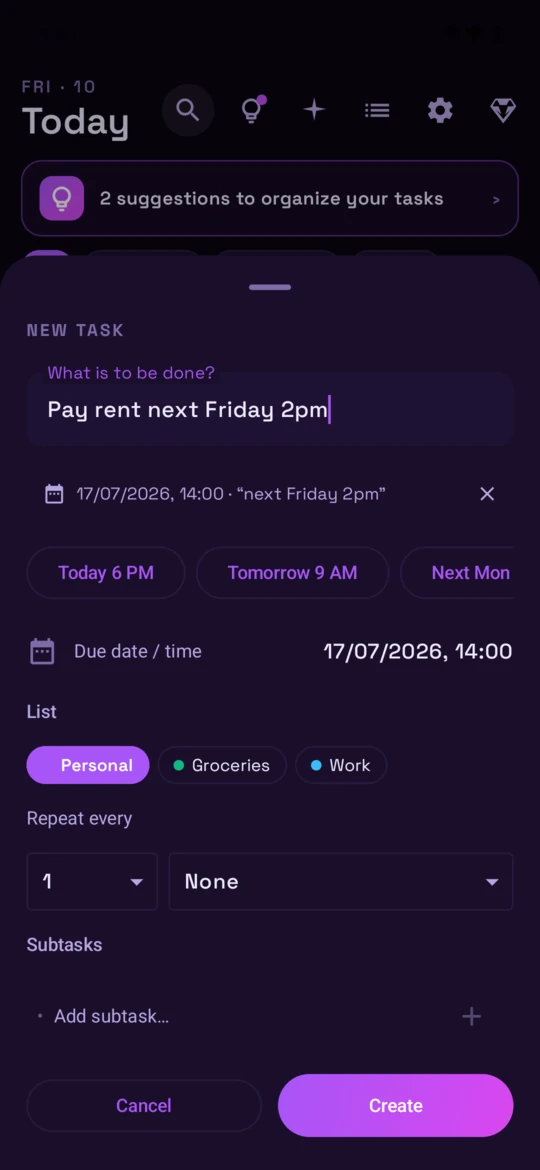
Add tasks fast. Recurring, scheduled, lists — no friction.
Create tasks, lists, and recurring routines in seconds — on web or Android. The AI watches how you work and suggests when to split a big task, group small ones, or just remind you. Every Sunday, a recap shows how your week actually went.
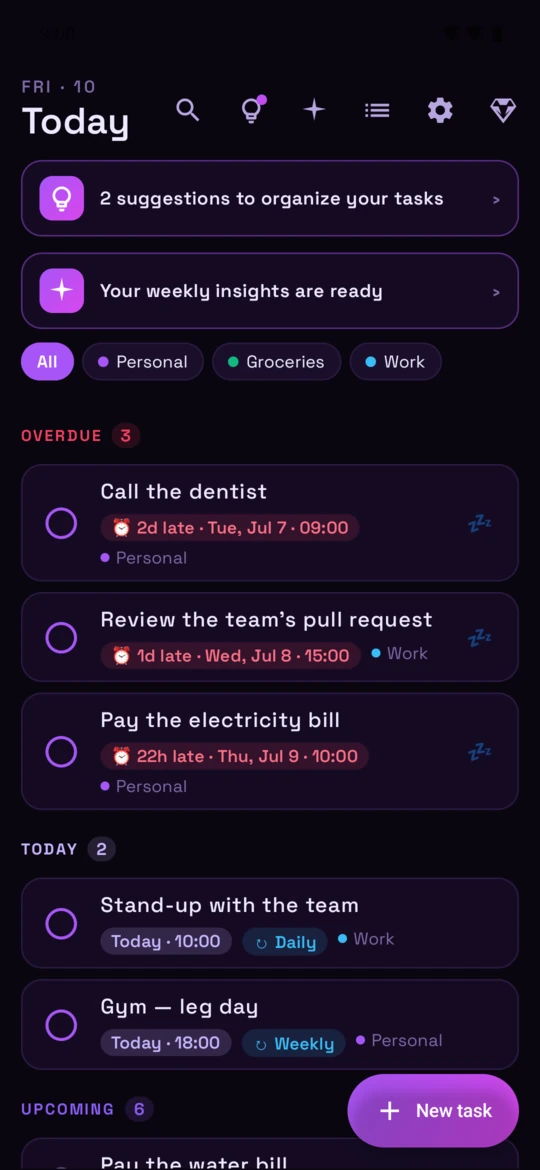
Add tasks fast. Recurring, scheduled, lists — no friction.
Smart reminders on Android. Snooze, reschedule, never lose a thread.
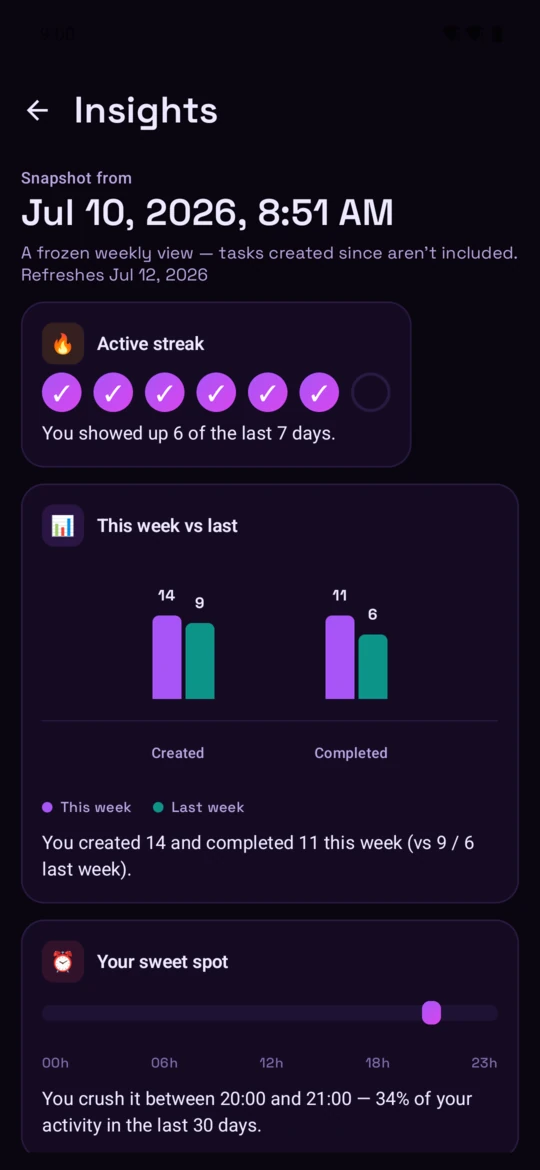
Every Sunday, see what got done. Patterns you'd never spot alone.
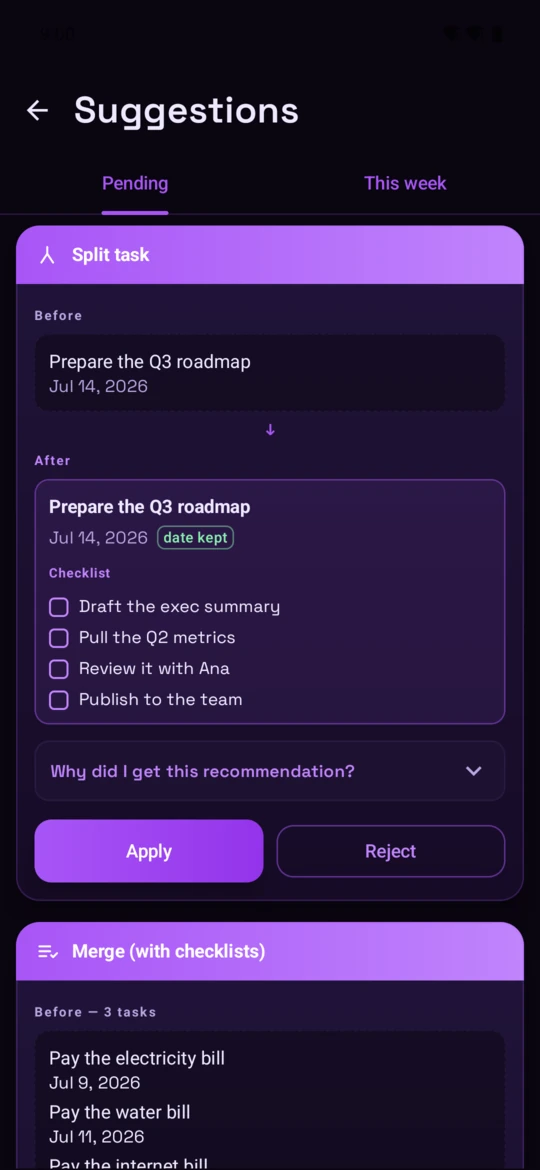
Split a giant task into steps. Group small ones into one. The AI proposes, you approve.
Your week, summarized. Themes the AI finds across your tasks.
Recurring, scheduled, lists — capture without friction.
Twice a week it reviews your tasks and suggests what to split, what to group, and how to tidy your lists. On Sundays an Insights card recaps your week. Nothing changes until you approve it.
Yes — the app is offline-first. Tasks you create, edit, snooze, or finish without a connection are stored locally and synced when you're back online.
Your tasks are stored encrypted at rest and tied to your Google account. We don't sell data, don't show ads, and the AI features run only on your own task content — no shared model training across users.
Open Settings → Privacy and data → Delete my account, on the web or in the app. We mark the account for deletion immediately and purge every task, list, history entry, and login record 30 days later.